 Windows
 Linux
LinuxIGS PC
IGS · Rhythm & racing
A PC-based arcade platform from IGS, home to series such as Rock Fever, Percussion Master and Speed Driver, spanning rhythm games and racing cabinets.

Quality-focused emulation. Cores built in-house.
Continually refining compatibility, performance and features to bring more arcade experiences to you.
From rhythm and racing to side-scrolling action, discover the games of different arcade platforms.
A PC-based arcade platform from IGS, home to series such as Rock Fever, Percussion Master and Speed Driver, spanning rhythm games and racing cabinets.

A KONAMI arcade platform featuring titles such as Thrill Drive 2 and Police 911, with racing, light-gun and motion-controlled cabinet experiences.

An IGS arcade platform home to Knights of Valour 3 HD. Take Three Kingdoms warriors through side-scrolling battles, with equipment, skills, character progression and two-player co-op.
 IGS PC
Percussion Master 3
The third Percussion Master game features a knights-and-princess theme and rhythm challenges played on drums.
 IGS PC
Rock Fever 5
The fifth Rock Fever game centers on Chinese-language pop music, with rhythm charts combining buttons and pedals.
 IGS PC
Speed Driver 3: Crash Hour
Alongside racing, Speed Driver 3 adds collision-based competition, vehicle upgrades and progress saved to a player card.
 IGS PC
We Dancing Online 2
A rhythm game in the We Dancing Online series, matching directional cues to the beat while characters dance to the music.
 KONAMI Viper
KONAMI Viper
Race through everyday traffic to reach the finish quickly while avoiding other vehicles and collisions.
 KONAMI Viper
KONAMI Viper
The Police 911 sequel continues its combination of shooting and body-movement dodging across police-action scenarios.
 KONAMI Viper
KONAMI Viper
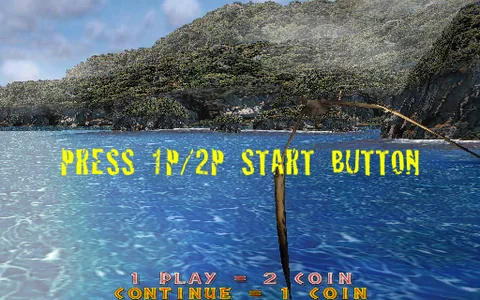
An arcade shooter based on Jurassic Park III, facing dinosaur attacks while progressing through island environments.
 KONAMI Viper
KONAMI Viper
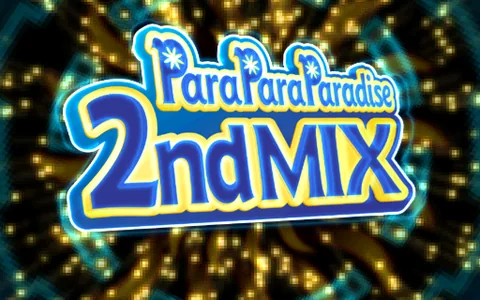
A rhythm game themed around ParaPara dancing, matching movements to music and on-screen cues across its song selection.
 IGS PC
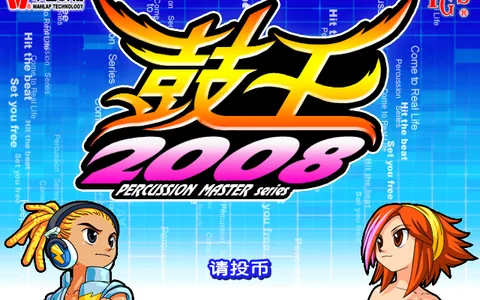
Percussion Master 2008
Follow the beat on the drums and take on songs at different difficulty levels.
 IGS PC
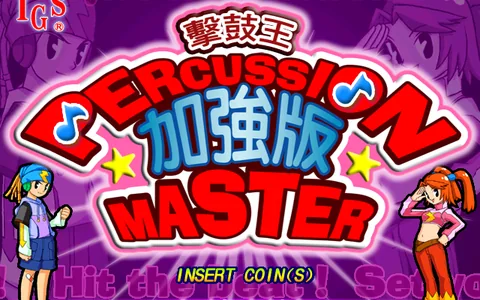
Percussion Master Plus
Follow the rhythm on the drums and rims, choosing songs and difficulty levels.
 IGS PC
Percussion Master 2
The second Percussion Master game. Follow the beat on the drum heads, rims and small drums, and challenge songs at different difficulty levels.
 IGS PC
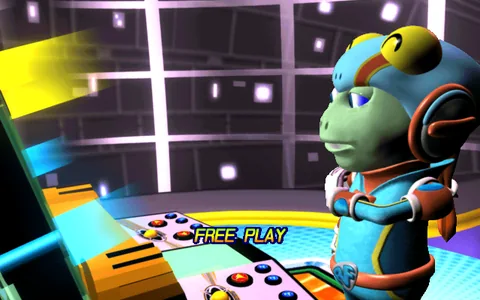
Rock Fever 4
An entry in the Rock Fever arcade rhythm series, combining button and pedal patterns to the music.
 IGS PC
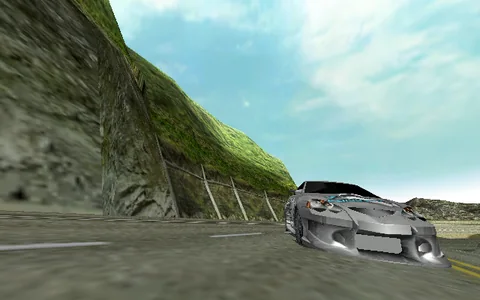
Speed Driver: Evolution
The first Speed Driver game takes arcade racing onto courses including mountain roads, rewarding racing lines and well-timed cornering.
 IGS PC
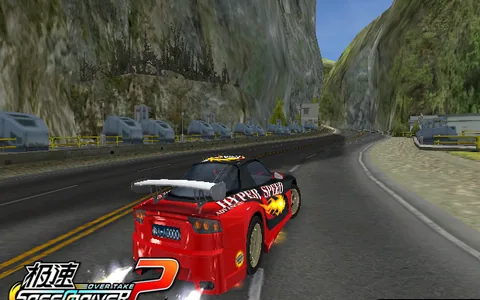
Speed Driver 2: Overtake
The Speed Driver sequel focuses on overtaking and arcade racing, with player cards used to retain progress.
 IGS PC
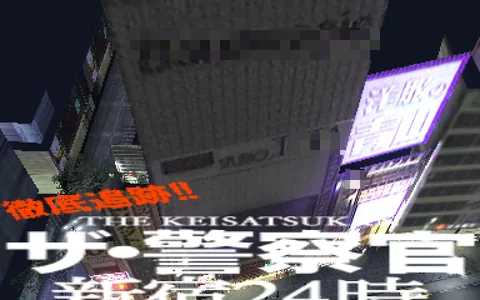
Shou Zhi Zhi
 KONAMI Viper
KONAMI Viper
Police action combining light-gun shooting with body-movement dodging, returning fire while evading incoming attacks.
 KONAMI Viper
KONAMI Viper
Arcade racing set in Italy, with routes through towns, coastal scenery and mountain roads. Released as Driving Party in some regions.
 KONAMI Viper
KONAMI Viper
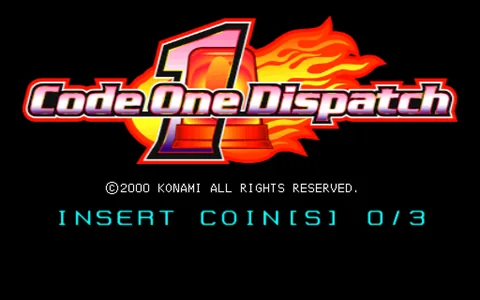
Drive vehicles including a fire engine, ambulance and police car, racing against time to complete emergency missions.
 KONAMI Viper
KONAMI Viper
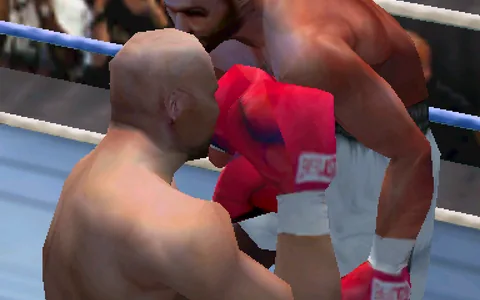
An arcade boxing game based on Ashita no Joe. Play as Joe Yabuki, punching and dodging through bouts with rival boxers.
 KONAMI Viper
KONAMI Viper
A motion-sensing boxing game built around throwing punches and moving to evade an opponent in the ring.
 KONAMI Viper
KONAMI Viper
A motion-sensing golf game featuring hole-by-hole challenges and turn-based play with other players.
 KONAMI Viper
KONAMI Viper
An arcade game centered on Japanese riichi mahjong, building hands and weighing each play against your opponents.
 KONAMI Viper
KONAMI Viper
An arcade sniper game focused on identifying distant targets and landing precise shots to complete missions.
 KONAMI Viper
KONAMI Viper
An entry in the Silent Scope series featuring sniper missions that emphasize target selection and shooting accuracy.
 KONAMI Viper
KONAMI Viper
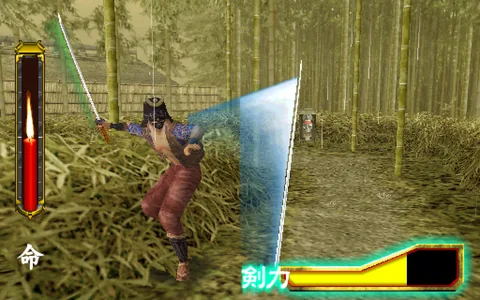
A sword-fighting action game themed around samurai combat, finding openings in enemy attacks to strike back.
 KONAMI Viper
KONAMI Viper
A military-themed arcade shooter built around combat missions against enemy forces. Released as Warzaid in some regions.
 KONAMI Viper
KONAMI Viper
A Konami arcade racing game focused on competing for a faster finish.
 PGM3
PGM3Knights of Valour 3 HD
Choose a Three Kingdoms warrior, fight through branching stages, equip weapons and armour, and retain character progress on an IC card.
 IGS PC
Percussion Master
Strike the drums and rims in time with the music to complete song challenges.
 IGS PC
Percussion Kids
Play the small and large drums in time with music through child-oriented song challenges.
 IGS PC
Panda Family
Use colored buttons to play a collection of minigames, with two-player play.
 IGS PC
Speed Rider
Control a motorcycle with acceleration, braking and left or right lean through racing courses.
Four steps from installation to setting up your controls.
Use the download button on the homepage. Choose the installer or portable package for Windows, or the AppImage for Linux.
Install the matching core in Kitsune. If it requires a newer app version, update the app first.
Import a .kpkg package or add your existing game files or folders, then let the core identify them.
Check button, pointer or motion-input mappings for your game. Save your settings and start playing.
04 BETTER TOGETHER
Talk about your favorite games and share new discoveries.
Join the Kitsune community with your questions and ideas.
Performance depends on the game, runtime mode and hardware. Viper offers native or emulated execution per game, while supported titles provide graphics and performance options. Start with the defaults and adjust to the picture and frame rate you see. For startup or display issues, update the app and matching core, then include device details in a problem report.
Yes, Kitsune is free to use. Reselling it or charging for access is prohibited. Repackaging, bundling, embedding or directly integrating Kitsune into other software or commercial products requires explicit permission.
Install the matching core, then add your own game files or .kpkg packages. The Kitsune app download does not include game content.
No. The app and each core are released and updated independently. If a new core requires a newer app, Kitsune will ask you to update the app first.
Create a report with the built-in problem report tool, including system and configuration information when possible. Share the report and steps to reproduce the issue on Discord or in the QQ group.